
1. Overview
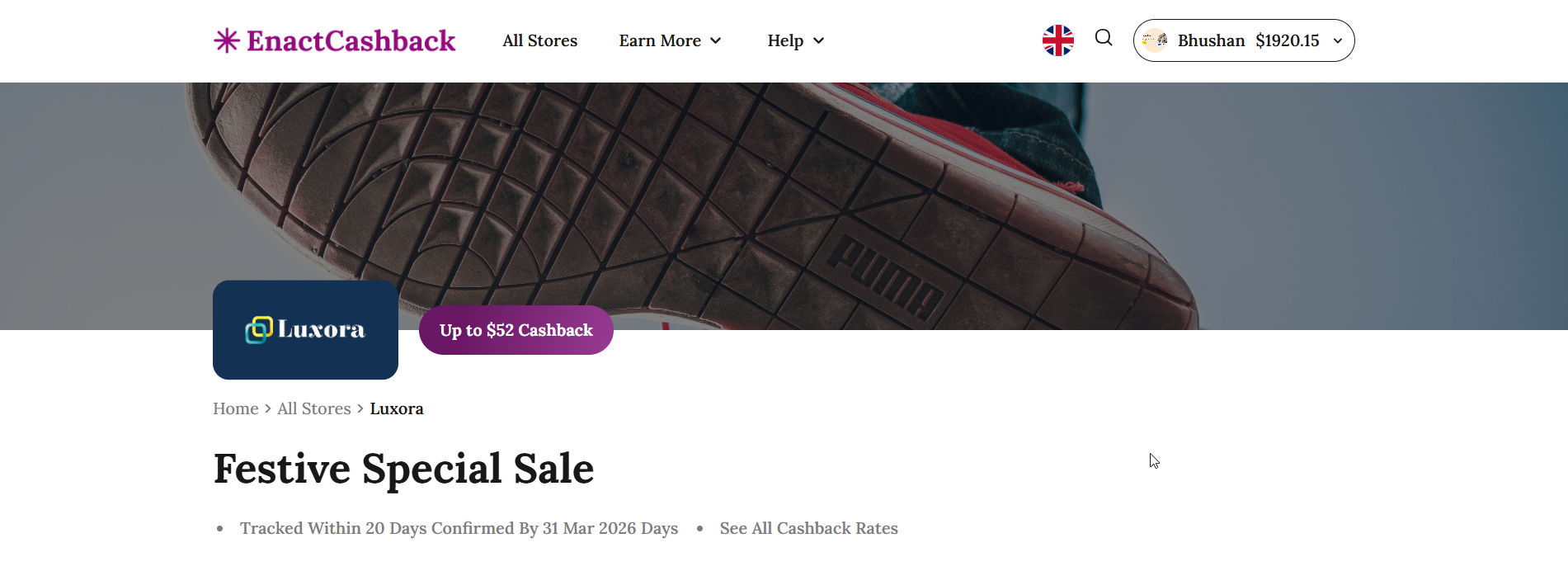
The Single Store Page provides detailed information about a specific partner store available on the EnactCashback platform. This page displays store branding, cashback offers, promotional campaigns, and available deals or coupons related to the store.
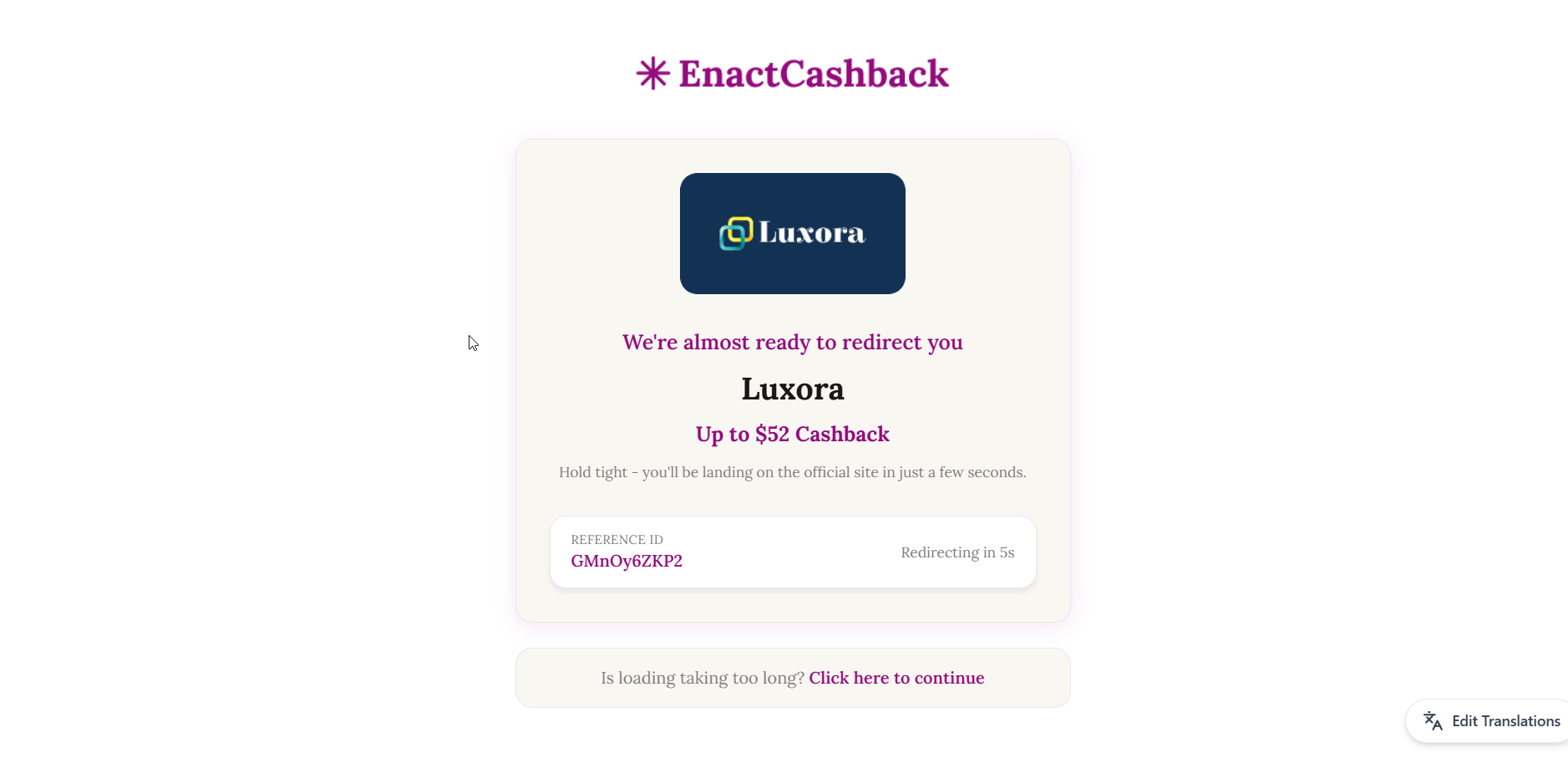
The purpose of this page is to allow users to review store-specific cashback offers and proceed to shop through the cashback tracking link.
2. Store Banner Section
Purpose
Displays the store branding and highlights the cashback offer available for that store.
Components
Store Logo
Displays the logo of the partner store.
Example:
Luxora
Cashback Offer Badge
Shows the maximum cashback users can earn when shopping through the store.
Example:
Up to $52 Cashback
Store Banner Image
Large promotional image associated with the store or campaign.
3. Breadcrumb Navigation
Purpose
Helps users understand their navigation path and easily return to previous pages.
Example Navigation
Home → All Stores → Luxora
User Actions
Users can click any breadcrumb link to navigate back to that section.
4. Store Promotion Section
Purpose
Highlights the main promotional campaign or offer currently available for the store.
Example Promotion
Festive Special Sale
This section may display additional details such as:
Cashback tracking timeframe
Cashback confirmation timeframe
Special promotional offers
Example Information:
Tracked within 20 days
Confirmed by 31 Mar 2026
Option to view all cashback rates
5. Cashback Tracking Information
Purpose
Provides users with important details about cashback processing timelines.
Example Information
Tracking Time
Estimated time required for the purchase to appear in the cashback system.
Example:
Tracked within 20 days
Confirmation Time
Time required for the store to verify the purchase and approve cashback.
Example:
Confirmed by 31 Mar 2026
6. Top Shopping Offers Section
Purpose
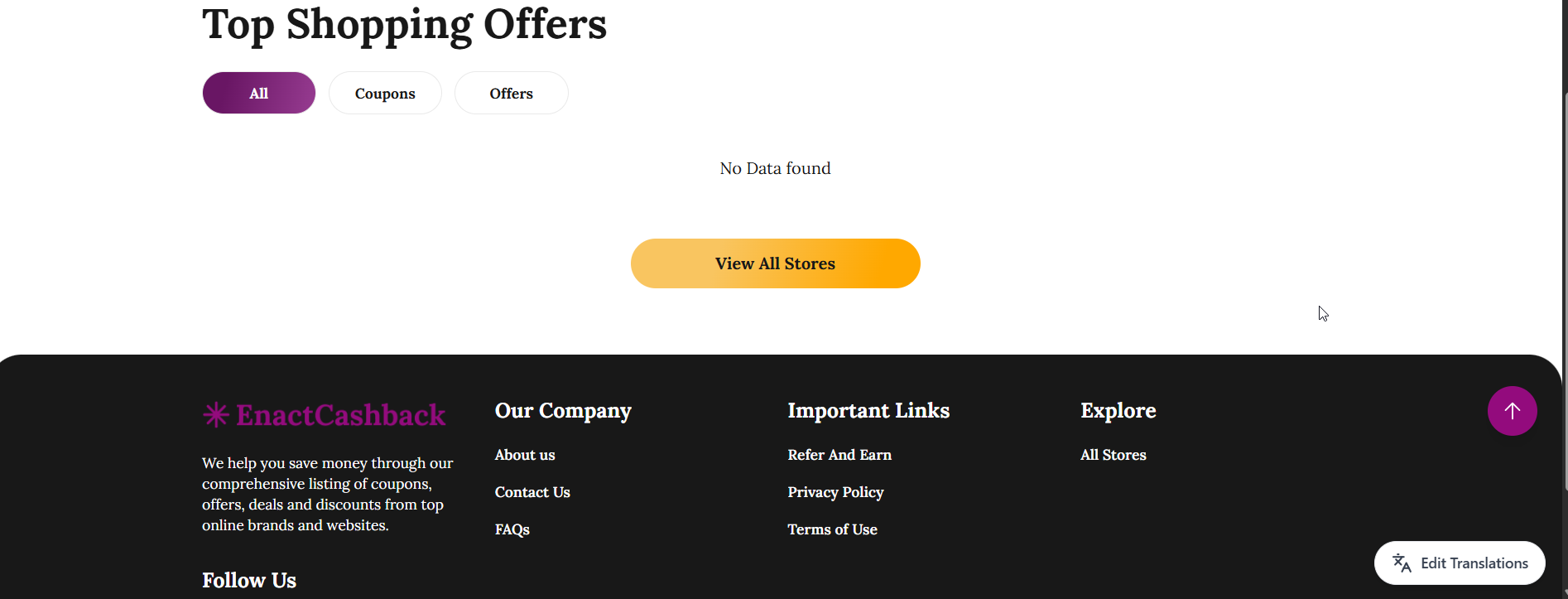
Displays coupons and promotional offers related to the selected store.
Offer Categories
Users can filter store offers using the following tabs:
All
Coupons
Offers
Offer Listing
If offers are available, they would typically include:
Coupon title
Discount percentage
Cashback value
Coupon code
Action button (Get Code / Shop Now)
No Offers State
If no coupons or offers are available, the page displays a message such as:
No Data Found
Users can then click the View All Stores button to browse other available stores.
7. Navigation Action
View All Stores Button
Allows users to return to the All Stores page to explore other partner stores.
8. Page Objective
The objective of the Single Store page is to provide users with store-specific cashback offers, promotions, and shopping opportunities while ensuring that purchases are tracked for cashback rewards.
This page serves as the primary entry point for activating cashback before users proceed to shop on the partner store website.