
1. Overview
The Earn More page explains how users can earn cashback rewards through the EnactCashback platform. It guides users through the complete cashback process—from browsing stores to receiving cashback and withdrawing earnings.
This page is designed to educate users about the cashback system and encourage them to start shopping through the platform.

2. Hero Banner Section
Purpose
The hero section introduces the cashback concept and encourages users to start using the platform.
Components
Main Heading:
Earn Cashback on Every Online PurchaseDescription:
Explains that users can discover exclusive deals, shop from their favorite stores, and automatically earn cashback on purchases.Call-to-Action Button:
Join for Free
User Actions
Users can click the Join for Free button to register on the platform.
3. Cashback Process Explanation
Purpose
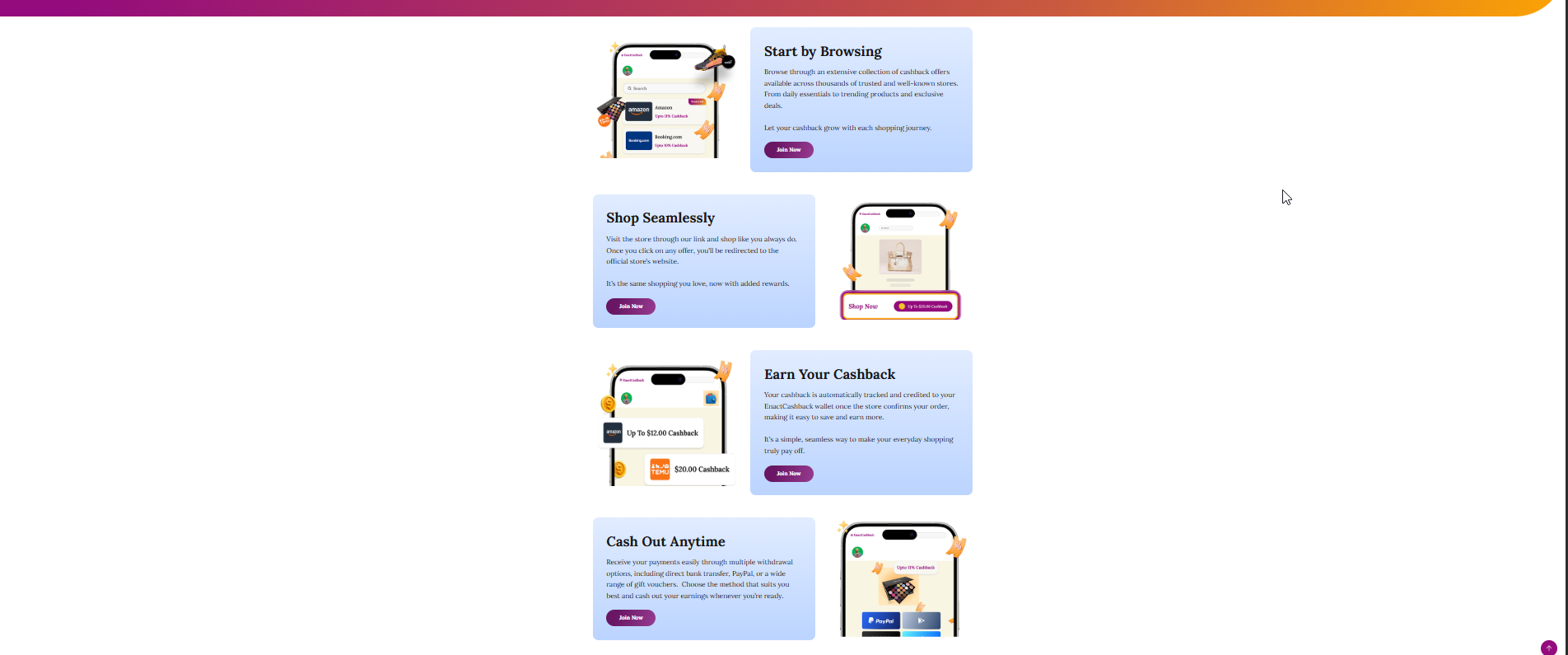
This section visually explains the cashback process in simple steps to help users understand how the platform works.
Step 1 – Start by Browsing
Description
Users browse through a wide collection of cashback offers from thousands of trusted partner stores.
Key Features
Access to various stores and product categories
Discovery of exclusive deals and discounts
Opportunity to compare cashback offers
User Action
Users browse stores and offers available on the platform.
Step 2 – Shop Seamlessly
Description
Users visit the selected store through the EnactCashback link and shop as they normally would.
Key Features
Secure redirection to partner store websites
No change in the regular shopping experience
Cashback tracking activated automatically
User Action
Users click Shop Now and complete their purchase on the partner store website.
Step 3 – Earn Your Cashback
Description
Once the purchase is confirmed by the partner store, the cashback is tracked and credited to the user’s account.
Key Features
Automatic cashback tracking
Cashback confirmation after order validation
Transparent reward tracking
User Action
Users can monitor cashback status from their account dashboard.
Step 4 – Cash Out Anytime
Description
Users can withdraw their earned cashback through various payout methods available on the platform.
Available Withdrawal Methods
PayPal
Amazon Gift Cards
Apple Gift Cards
Bank Transfer
Other supported payment methods
User Action
Users can withdraw cashback once the minimum withdrawal threshold is reached.

4. Cashback Withdrawal Section
Purpose
Highlights the flexibility of withdrawing cashback through multiple payment options.
Key Message
Withdraw your cashback anytime.
Features
Multiple payout methods
Secure payment processing
Flexible withdrawal options
5. Promotional Call-to-Action Section
Purpose
Encourages users to begin using the platform and start earning cashback rewards.
Message
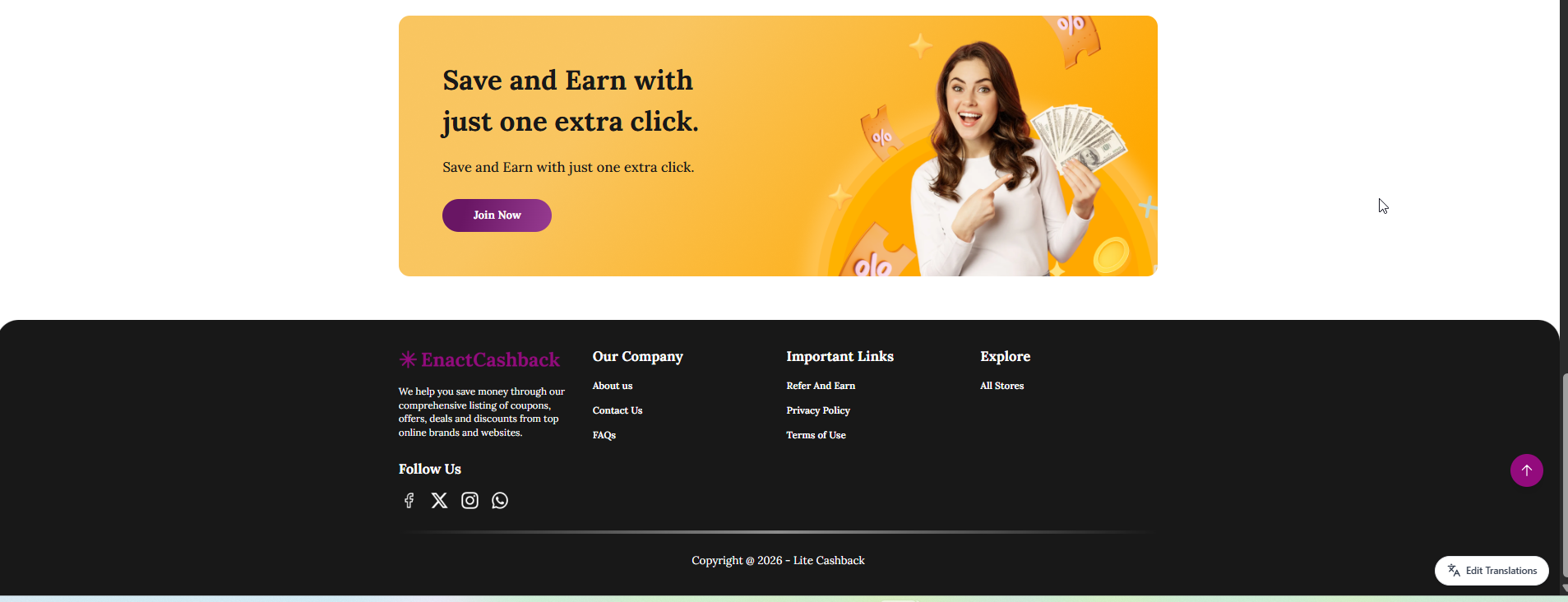
Save and Earn with just one extra click.
Components
Promotional graphic
Short description of cashback benefits
Join Now button
User Actions
Users can click the Join Now button to create an account and start earning cashback.
6. Page Objective
The objective of this page is to educate users about the cashback earning process and encourage them to start using the platform to earn rewards through their everyday online shopping.